Electronics Depot Online
4W Solar Panel Install 18650 Battery Micro USB & TypeC 5V Output Solar Cells Remote Control Timer for Camera Or Router Charging
4W Solar Panel Install 18650 Battery Micro USB & TypeC 5V Output Solar Cells Remote Control Timer for Camera Or Router Charging
Couldn't load pickup availability
SPECIFICATIONS
Brand Name: EYIZCO
Certification: CE
Choice: yes
High-concerned chemical: none
Installation: Side
Model Number: U4-6B
Power Supply: Normal
Smart home platform: NONE
semi_Choice: yes
NOTE
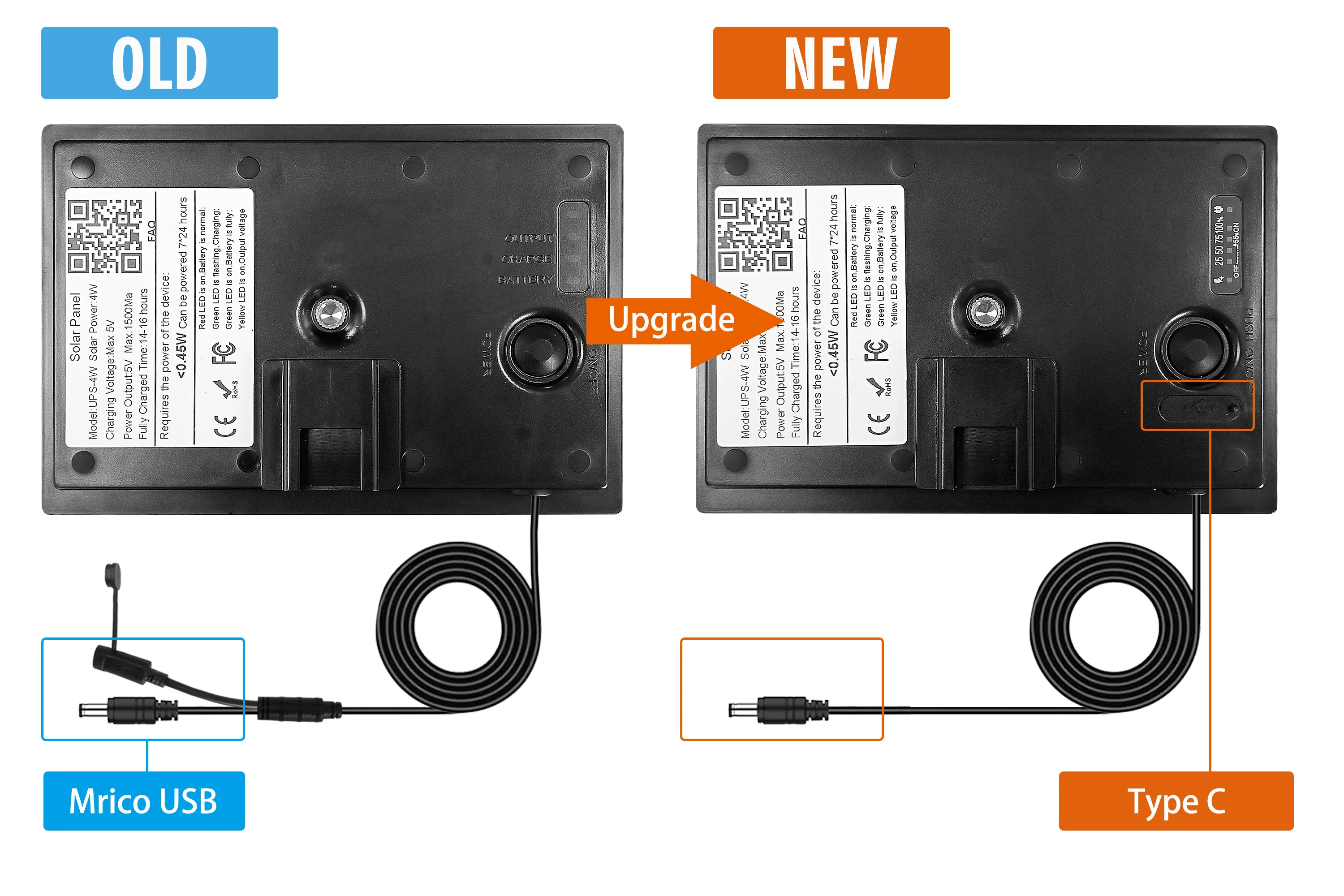
We have adjusted the position of the charging port, with its functionality remaining unchanged.You may receive different versions.
Easy Installation
Designed for easy side installation, this solar camera can be quickly set up and ready to use, saving you time and effort.
Smart Timer Function
The built-in timer allows for scheduled charging, optimizing energy usage and ensuring your devices are powered when needed.
Built-in Battery
Equipped with a built-in battery, this camera can store energy for use during periods of low sunlight, enhancing its reliability and convenience.
Durable Construction
Originating from Mainland China, this solar camera is built to withstand various environmental conditions, ensuring long-lasting performance.
Solar Powered
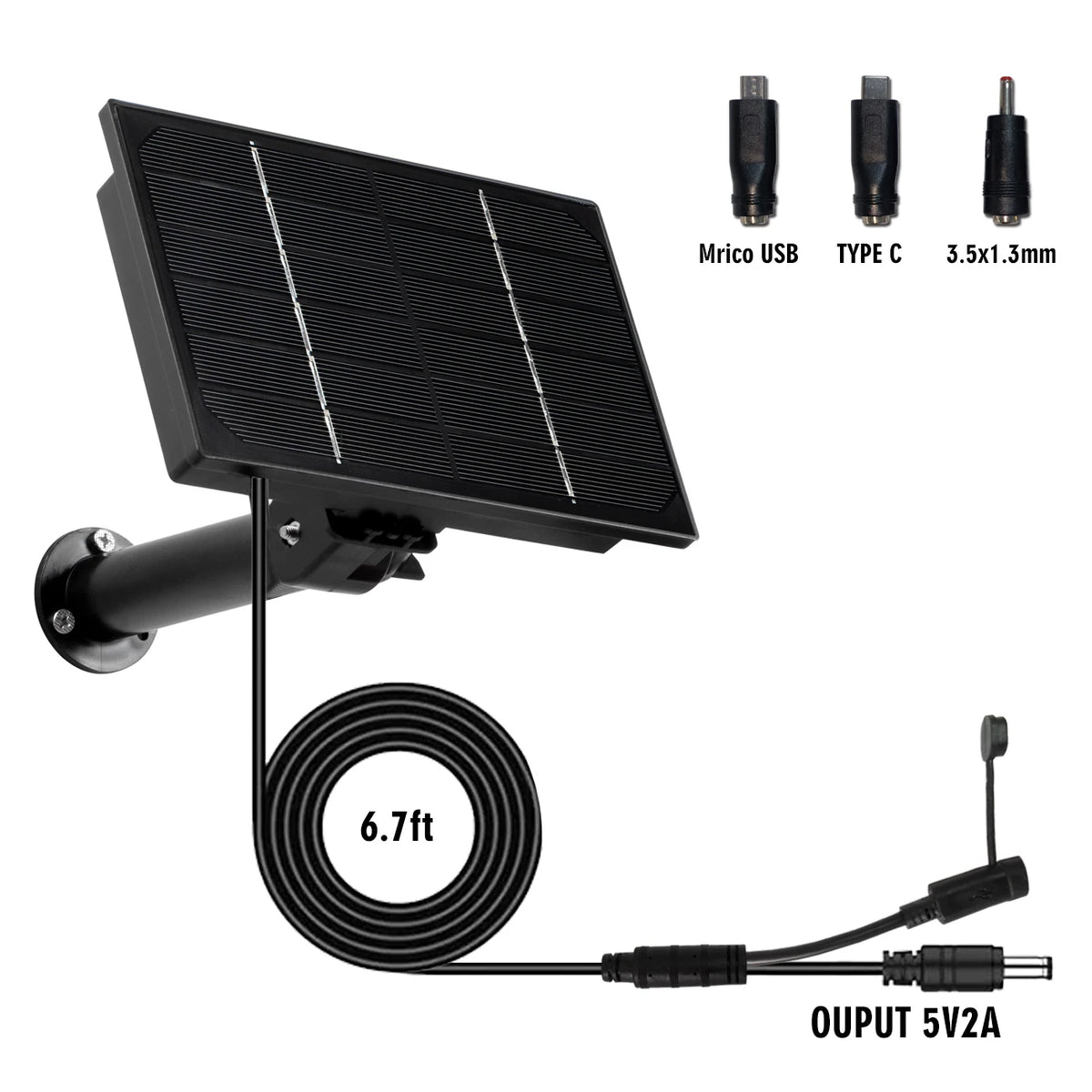
This EYIZCO Solar Camera is powered by a 4W solar panel, ensuring continuous operation without the need for frequent battery replacements.
Remote control version of the solar panel
The remote control controls the working time of the solar panel, which can be cycled to work for 2 hours / 3 hours / 4 hours.
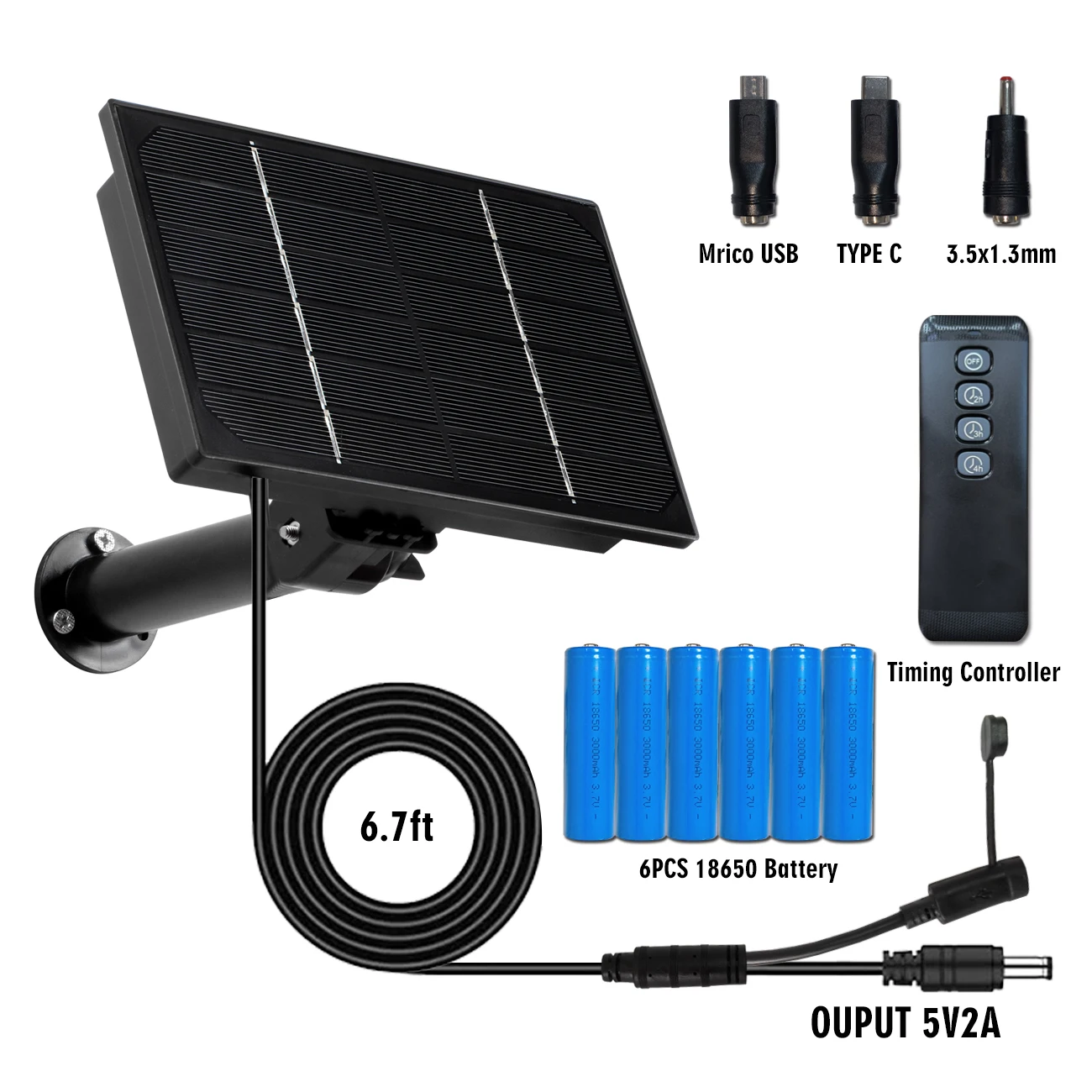
Three options to choose when you make your purchase.
Option 1: Batteries not included,Without Timer Controller
Option 2: Batteries not included,With Timer Controller
Applicable Devices
This solar panel can power hunting cameras, low-power cameras for up to 365 days. It can also charge cell phones, outdoor small power products.
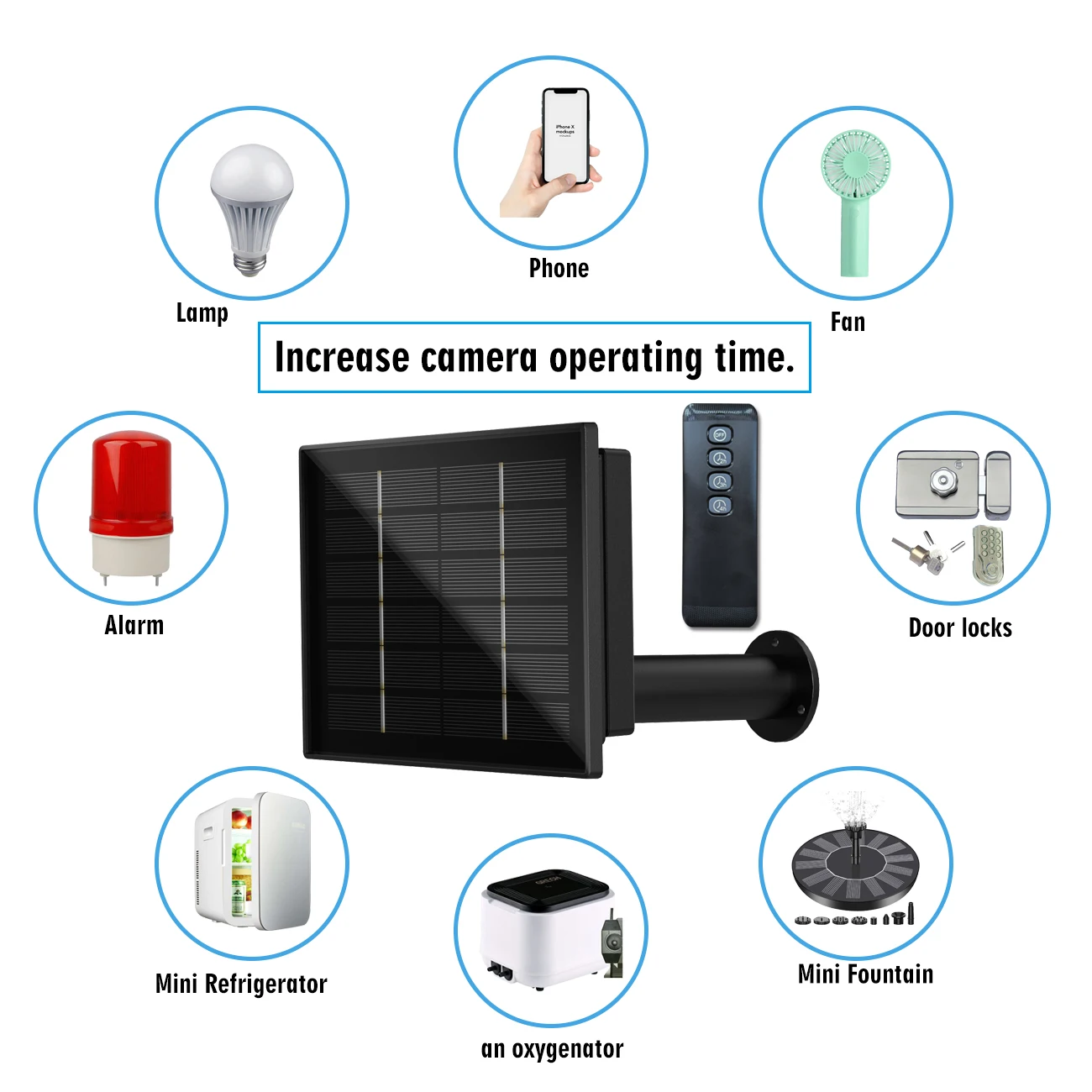
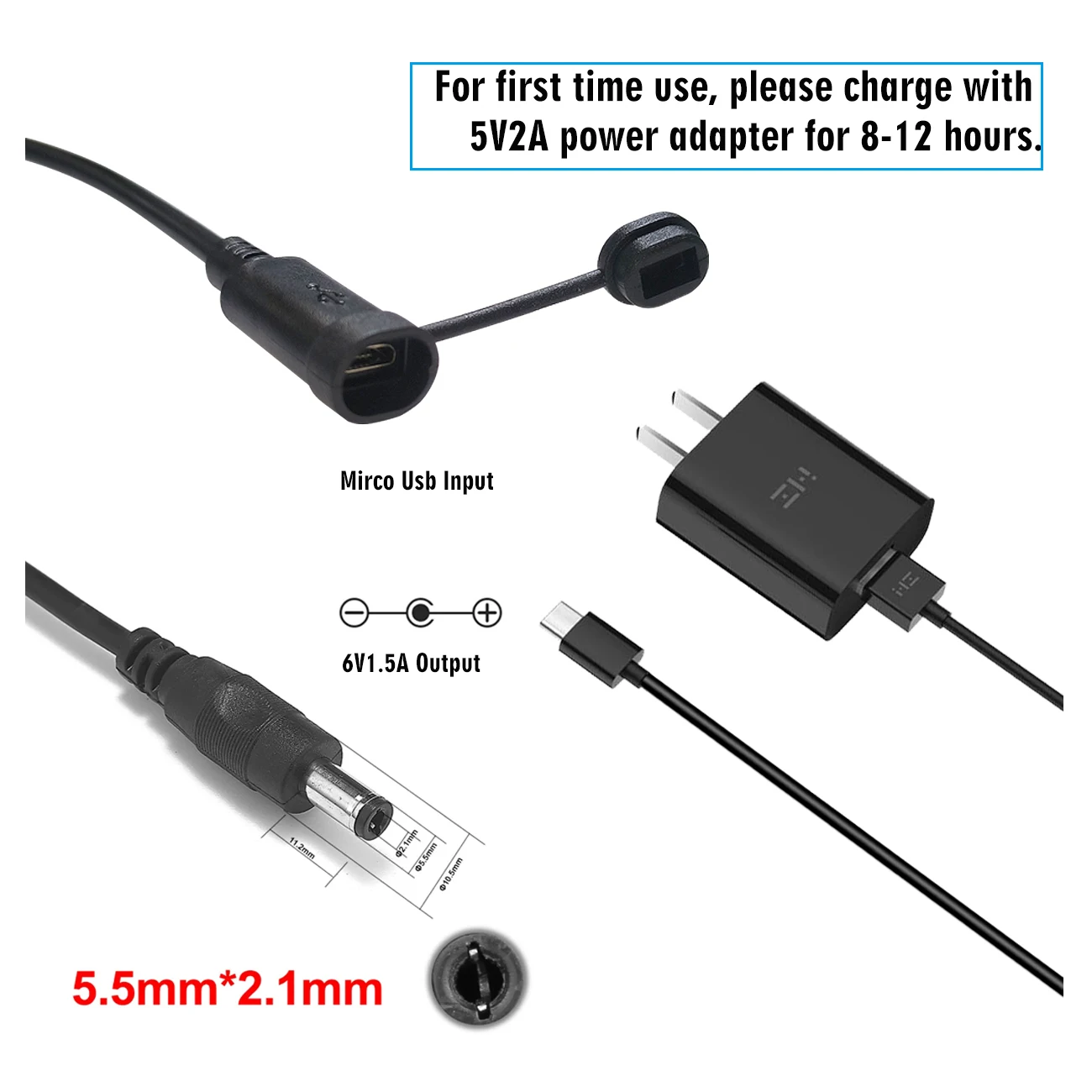
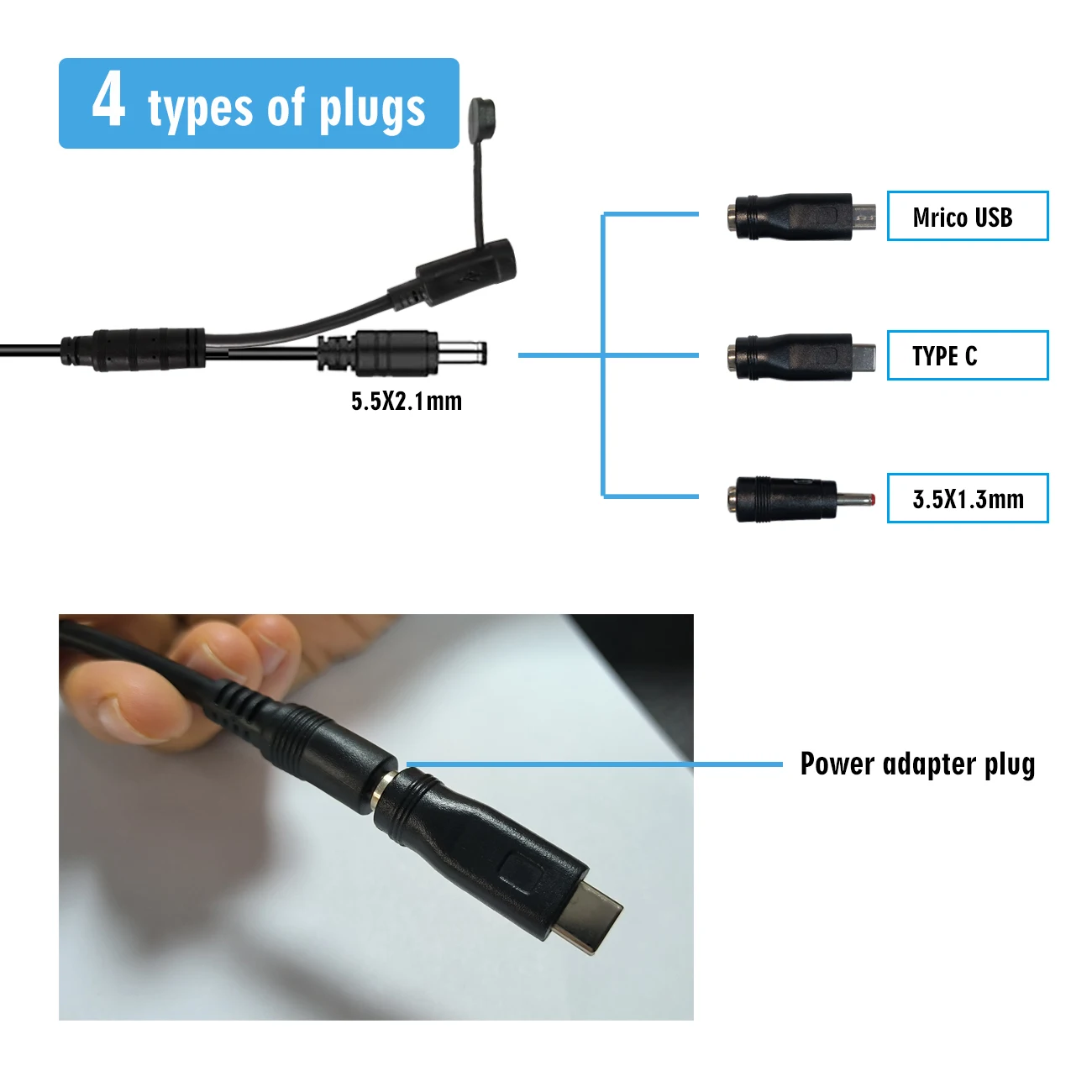
Multiple styles of input and output connectors.
How to operate the remote control
Some devices do not need to work all the time, and in order to save energy, you can use the remote control to control the timing of the output.

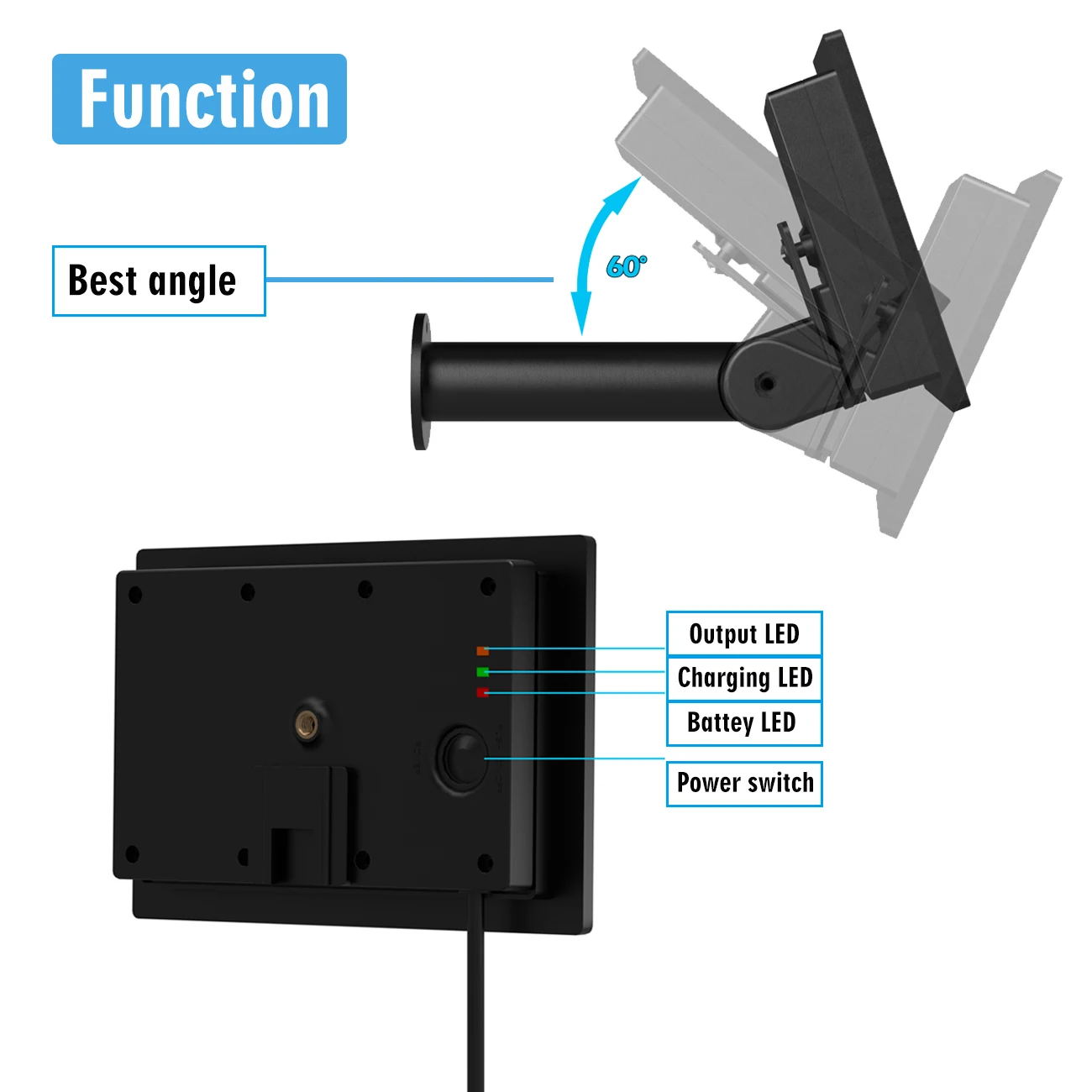
Indicator light to indicate operating status
The panel has a red, green and yellow light. When the solar panel is working, it displays different color indicators for us to judge the status of the solar panel.

High conversion of monocrystalline silicon glass wafers
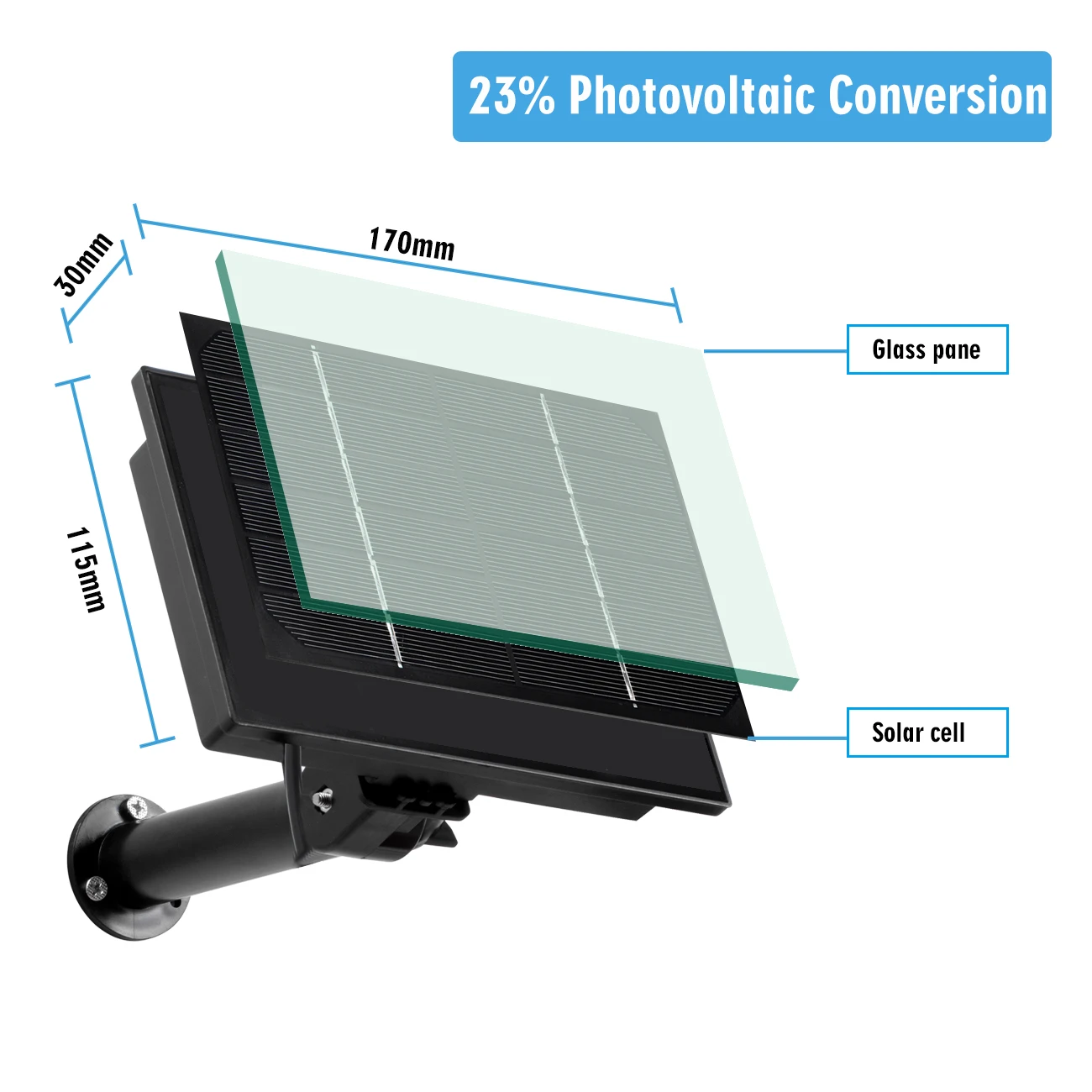
Easy installation
When fixing the bracket, adjust the mounting angle as required.

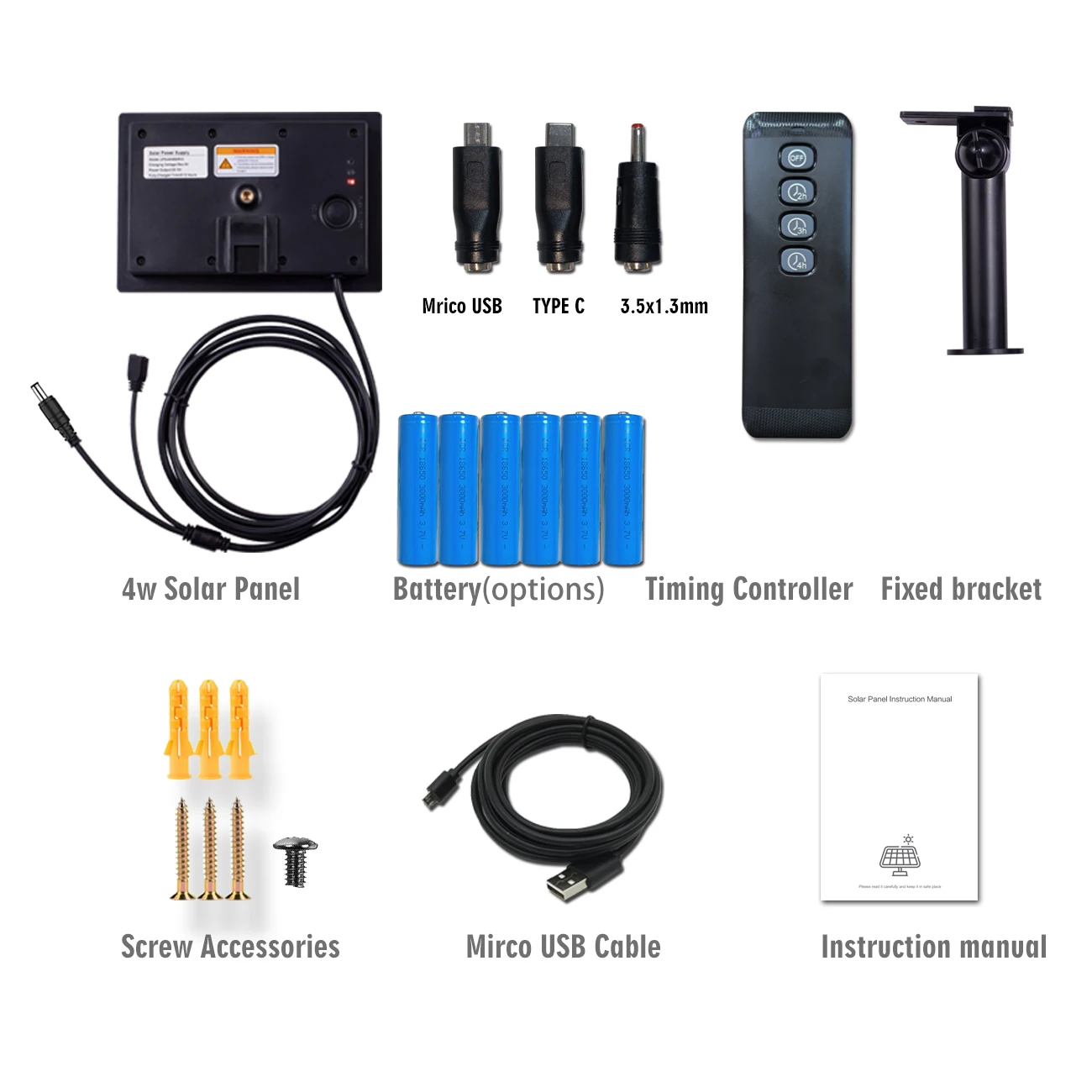
Packing List